Microsoft 365 Business
Word, Excel, PowerPoint and more: integrated, secure, and always up to date to create and collaborate.

Ready to standardize?
Fill out the form and a specialist will reach out to understand your operation and present the ideal Microsoft 365 plan for your business.
- Same-day activation
- Payment in Brazilian Reais (BRL)
- Official invoice
- 24/7 Portuguese-speaking support
- Assisted migration with zero downtime

Talk to a specialist
























Choose the ideal plan
From business email to the complete ecosystem with advanced security. All plans include official Microsoft licensing and specialized Hands4IT support.
- Complete Office apps for desktop, web, and mobile
- Installation on up to 5 devices per user
- 1 TB per user via OneDrive
- Real-time collaboration and editing
- Automatic updates
- Identity and access management for up to 300 users
- Custom business email (name@yourcompany.com)
- 1 TB per user on OneDrive
- Web/mobile versions of Word, Excel, PowerPoint, and Outlook
- Chat, calls, and video conferencing in Teams
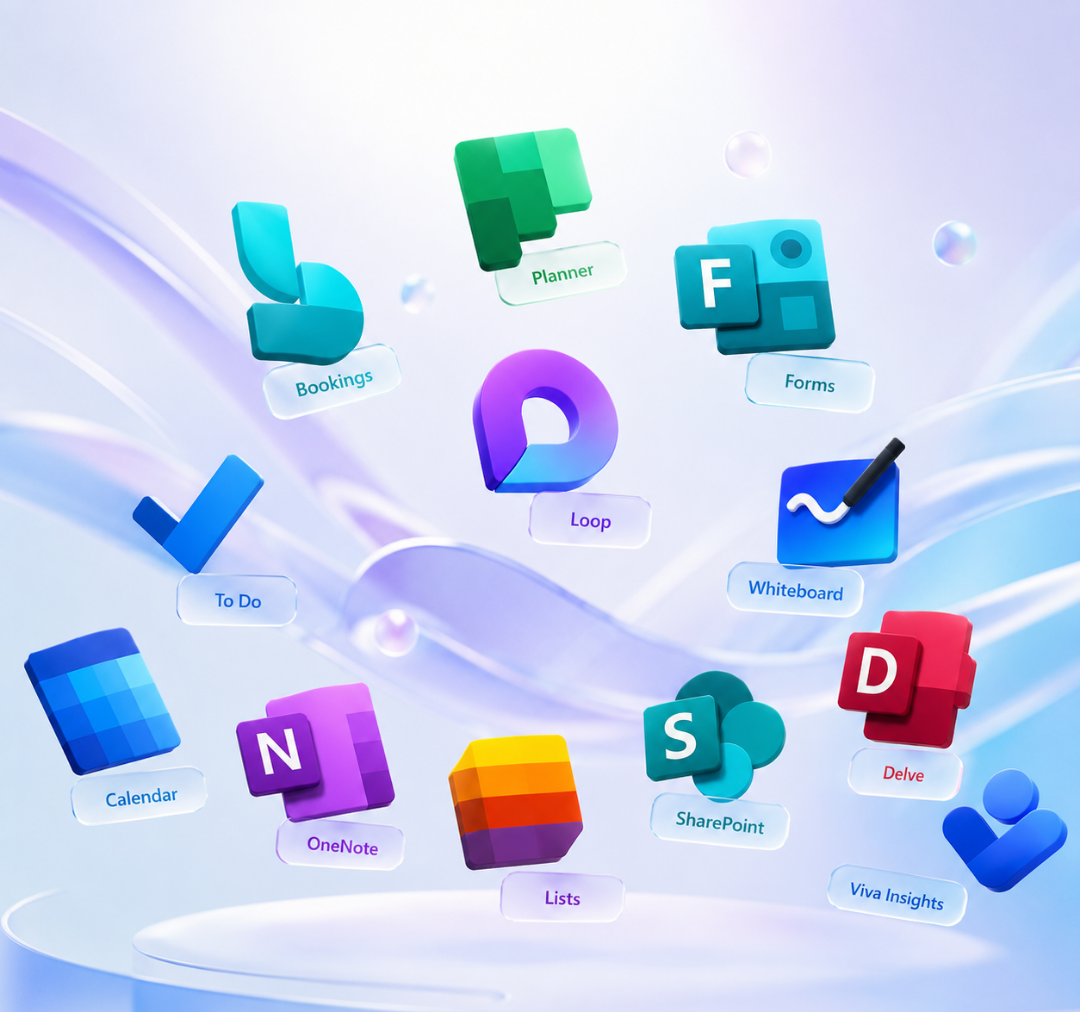
- 10+ extra apps (Bookings, Planner, Forms, and more)
- AI chat experience on the web for writing, data, and research
- Office apps for desktop (Word, Excel, PowerPoint, Outlook)
- Collaborative workspace
- Webinars with attendee reporting and registration
- Recording and transcription in Teams
- Office installation on up to 5 devices per user
- Design and video editing tools
- Workflow automation
- Advanced identity and access management
- Enhanced protection against cyber threats
- Enterprise-grade endpoint and device protection
- Discover, classify, and protect sensitive information
Well beyond the traditional Office
A complete ecosystem that integrates productivity, communication, security, and artificial intelligence in a single platform.
Employee management
Full control over users, identity, and access from a centralized panel. Provision, edit, or revoke accounts in seconds.

Custom business email
Professional address on your company's domain (name@yourcompany.com) backed by all the reliability of Exchange Online.

Microsoft Teams
Chat, calls, and video conferences with the whole team in one place. Meetings with transcription and cloud recording.

Cloud storage
1 TB of storage per user on OneDrive, secure and accessible from any device anywhere in the world.

Threat protection
Automatic blocking of viruses, malicious attachments, and spam emails before they reach your team.

Additional apps
Microsoft Bookings, Planner, Forms, Loop, and many other productivity apps at no extra cost.
Specialized support
Unlimited support by phone or web anytime, with the Hands4IT team by your side.

Microsoft 365 Copilot
Native AI built into Office apps, available as an add-on and tailored to your use case.

Compare the plans
See side by side what each plan delivers and decide with confidence which one fits your company's current stage.
| Apps for Business | Business Basic | Business Standard | Business Premium | |
|---|---|---|---|---|
| Apps and productivity | ||||
| Web and mobile apps (Word, Excel, PowerPoint) | ||||
| Desktop apps (Word, Excel, PowerPoint, Outlook) | — | |||
| Installation on up to 5 devices per user | — | |||
| Clipchamp (video editor) | ||||
| Communication and collaboration | ||||
| Corporate email (Exchange) | — | |||
| Microsoft Teams (chat, calls, and meetings) | — | |||
| SharePoint (intranet and sharing) | — | |||
| Webinars with attendee reporting | — | — | ||
| Recording and transcription in Teams | — | — | ||
| Storage and extra apps | ||||
| 1 TB per user on OneDrive | ||||
| Bookings, Planner, and Forms | — | |||
| Security and compliance | ||||
| Advanced security (Defender, Intune) | — | — | — | |
| Device management | — | — | — | |
| Data protection (Purview) | — | — | — | |
| 24/7 support | ||||
FAQ
See answers to the most common questions and decide with confidence which Microsoft 365 plan is right for your business.
Apps for Business includes Office desktop apps, without corporate email.
Business Standard combines everything in Basic with desktop apps and advanced collaboration tools.
Business Premium adds advanced security, device management, and corporate data protection.
The Enterprise plans are suited for companies with more than 300 users and specific compliance and scalability requirements.
Partner Technologies
Certified partners of the leading manufacturers in the global IT market.